DOCDocument vaultFree & Pro
Your documents, behind your fingerprint
ZATO’s vault lock asks for your fingerprint, face or device PIN before the document vault opens — so someone holding your unlocked phone still can’t browse your car papers.
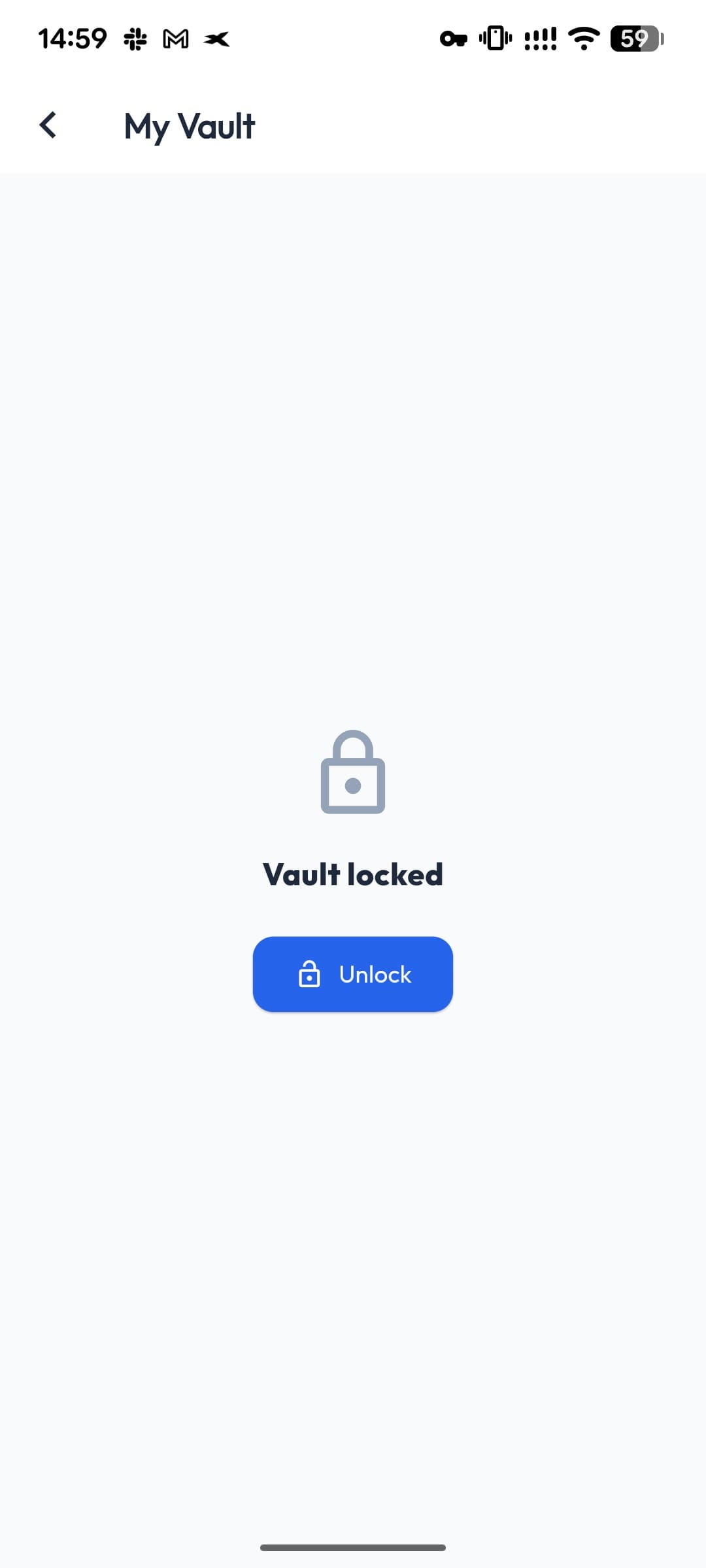
- Unlock with
- Biometrics or PIN
- Default
- Off
- Stays open
- 5 minutes
- Applies to
- The vault
Your phone’s own security
Uses the fingerprint, face unlock or PIN already set up on your device.
Not in your way
After unlocking, the vault stays open for 5 minutes.
Your choice
Optional and off by default — turn it on in the vault.
What it protects
The lock guards the document vault, where registration, insurance and other personal papers live. The rest of the app opens as usual.
Questions about vault lock
Does the lock protect the whole app?
No — it protects the document vault.
What if my phone has no fingerprint sensor?
The lock falls back to your device PIN, pattern or password.
Works well with
- Document vaultKeep your car registration, insurance, inspection and vignette documents on your phone, per car — stored only on your device, never uploaded.
- Backup & restoreExport one ZATO backup file with your vault documents, receipt photos and car photos; restore it on a new phone without losing anything.
- Document scannerScan your registration, insurance or inspection paper with edge detection and save it as a clean PDF in your ZATO vault.
PRO90 days free
See what your car really costs.
Expenses, reminders, documents and driver chat — on Android and at app.getzato.com. 90 days of Pro free.
