Scan car papers into clean PDFs
ZATO’s document scanner finds the edges of a paper, straightens it and saves the pages as a PDF in your vault — the quickest way to get your registration, insurance and inspection papers onto your phone.
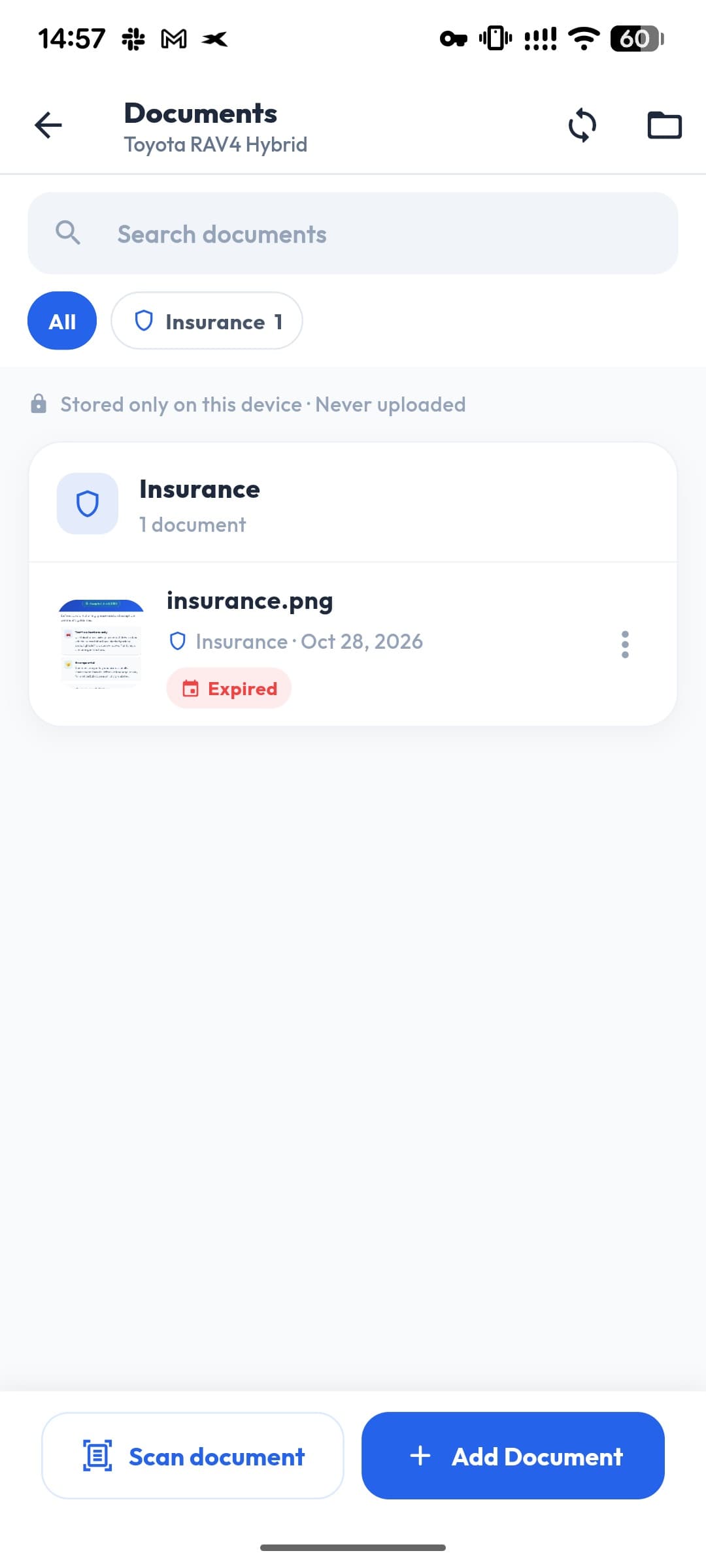
- Output
- Edges
- Auto-detected
- Pages
- Several
- Also
- Camera · Gallery · Files
Straight and sharp
Edge detection crops and straightens the page.
Multi-page
Scan both sides of a registration certificate into one PDF.
Or any file
Already have a PDF or photo? Add it from the gallery or your files.
How it works
- 1
In the Vault, tap Scan document.
- 2
Point the camera at the paper — the edges are found automatically.
- 3
Add more pages if needed.
- 4
Save it as a PDF to the car.
Ready for a roadside check
A scanned copy on your phone is handy when the original is at home — always carry the documents your local law requires.
Stays on your phone
Scans are saved in your vault, on your device only.
Questions about document scanner
What format are scans saved in?
PDF, one file per document.
Can I add existing files?
Yes — from the camera, the gallery or your files.
Works well with
- Document vaultKeep your car registration, insurance, inspection and vignette documents on your phone, per car — stored only on your device, never uploaded.
- Document expiry datesGive each car document an expiry date — insurance, inspection, vignette, licence — and create a linked reminder so it never lapses.
- AI receipt scannerSnap a fuel or car receipt and ZATO’s AI reads the total, date, station and fuel details for you. You review every value before saving.
See what your car really costs.
Expenses, reminders, documents and driver chat — on Android and at app.getzato.com. 90 days of Pro free.
